Problem solved
What problem it solves
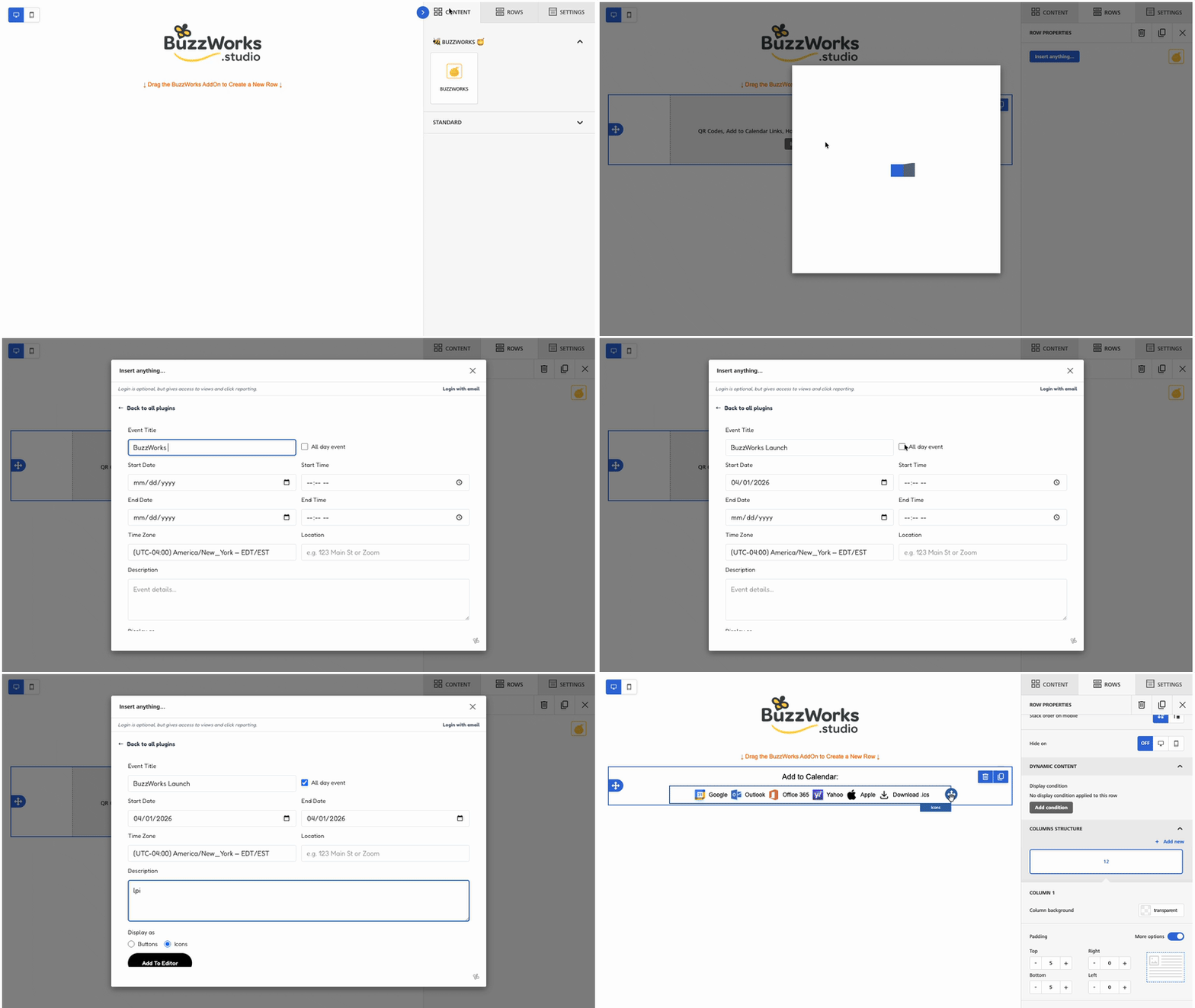
Event reminders fail when subscribers must manually create calendar entries. BuzzDates removes friction by packaging the timing, title, and destination into a simple action recipients can trust.

A BuzzWorks Plugin
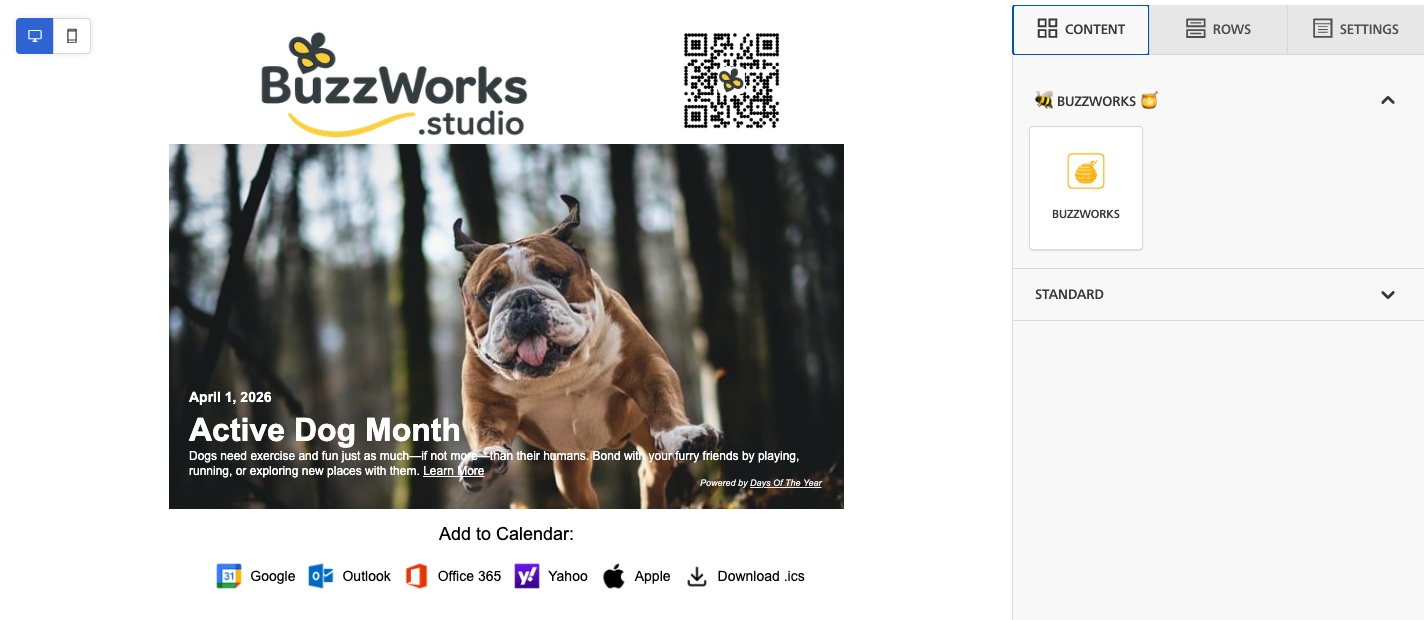
Add calendar-ready event links for Outlook, Google, Yahoo, Apple, and Microsoft 365 directly inside the email editor.

BuzzDates
Drop events straight into their calendars. Event links for Outlook, Office365, Gmail, Yahoo and Apple.
Problem solved
Event reminders fail when subscribers must manually create calendar entries. BuzzDates removes friction by packaging the timing, title, and destination into a simple action recipients can trust.
Credits
BuzzDates uses 1 credit per recipient click, so you only spend credits when subscribers actively add an event to their calendar.
Who's it For
BuzzDates is for teams sending event-driven emails: webinars, appointments, product launches, classes, conferences, demos, customer calls, and community events. If the campaign depends on people remembering a date, BuzzDates turns the reminder into a one-click calendar action.
How it works
Let registrants add the session to their calendar directly from confirmation and reminder emails.
Reduce missed calls, demos, and service appointments by making the calendar action obvious.
Give subscribers a simple way to save an upcoming product launch, sale window, or conference session.
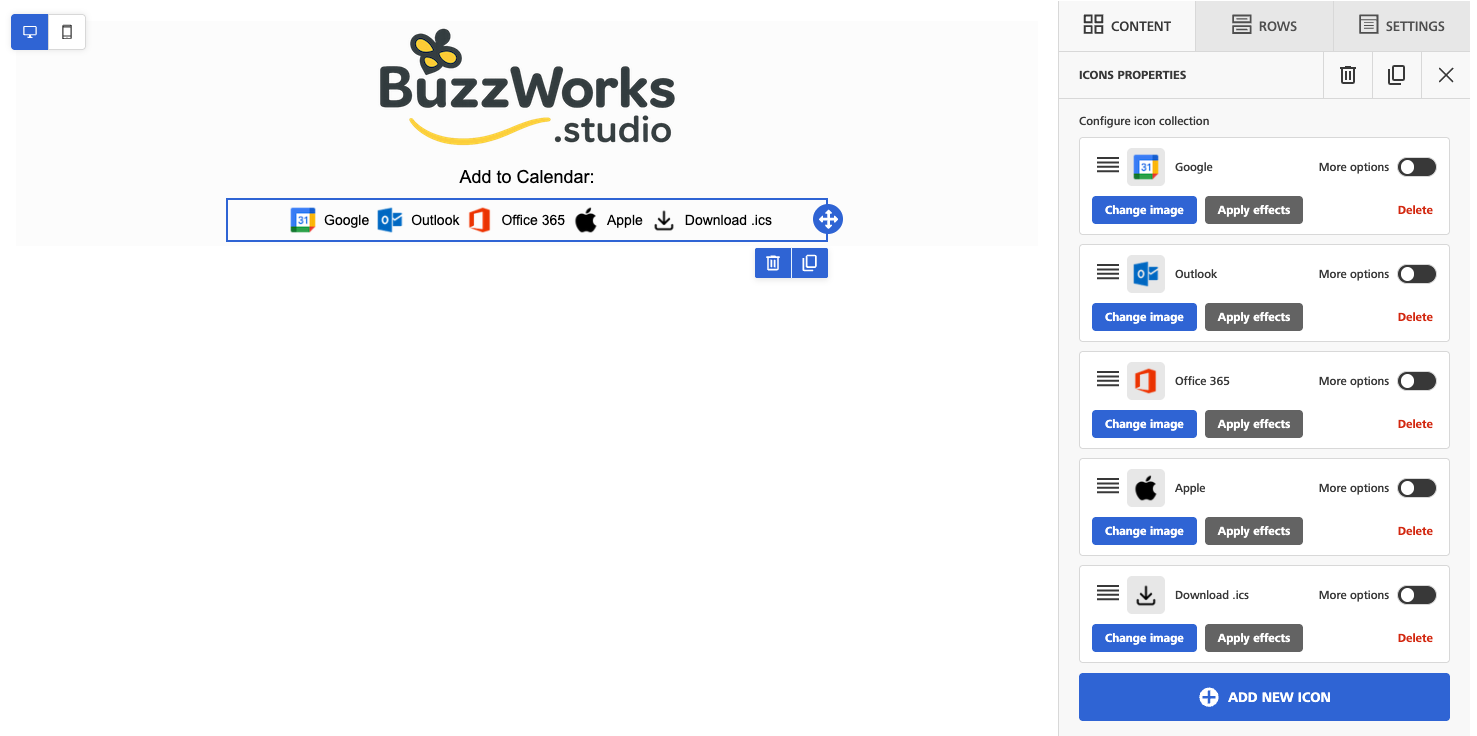
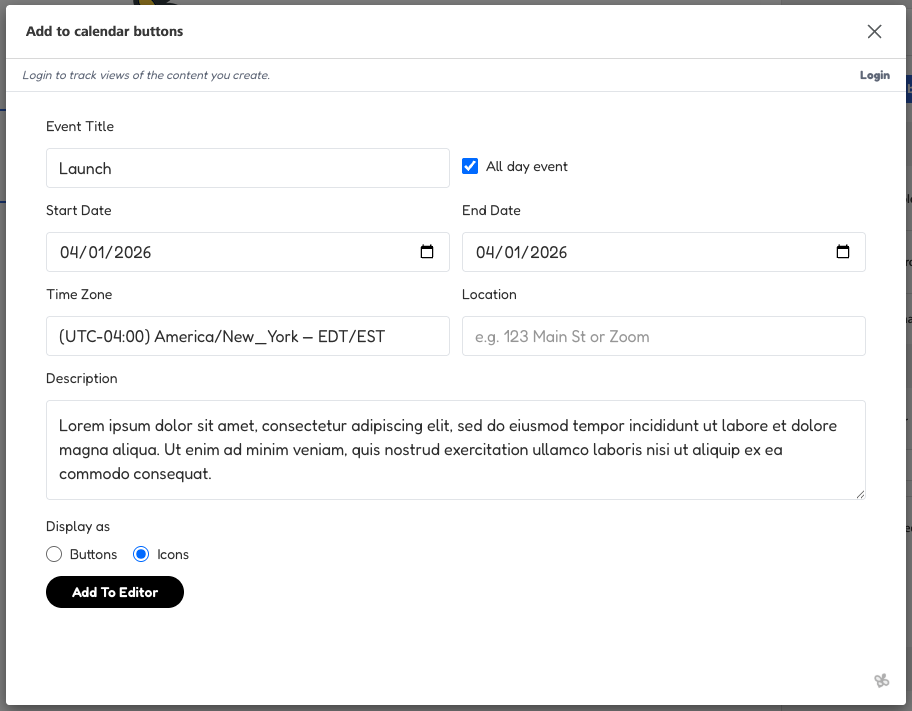
BuzzDates builds links for Google Calendar, Outlook, Office 365, Yahoo Calendar, Apple Calendar, and ICS downloads. BuzzDates handles all the work for you including hosting the ICS file.
Yes. The location field accepts text, so a meeting URL can be saved into the calendar event.
No. BuzzDates credit usage is click-based, so credits are used when recipients click an add-to-calendar link.

Turn anything into scannable buzz with a QR Code generator. Track those scans!

Credit Usage:
1 view = 1 credit; 1 scan = 1 credit

Celebrate every day that makes your audience smile. Fun holiday content for your campaigns.
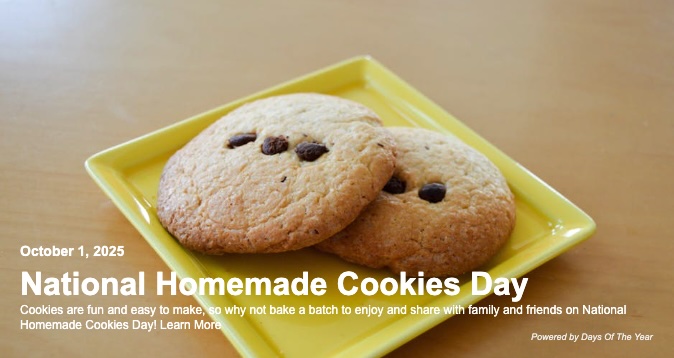
Credit Usage:
1 view = 1 credit

Sweeten your emails with fresh blog content. Enter a url and add content to your email.

Credit Usage:
1 URL Fetched = 10 credits; Views = Free

Get that market buzz on your favorite stock symbol or symbols!
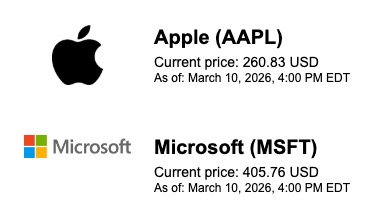
Credit Usage:
1 view = 1 credit

Sharp wit, sweet delivery. Famous quotes to add to your content.

Credit Usage:
1 view = 1 credit

Drop a map, watch them swarm your location.
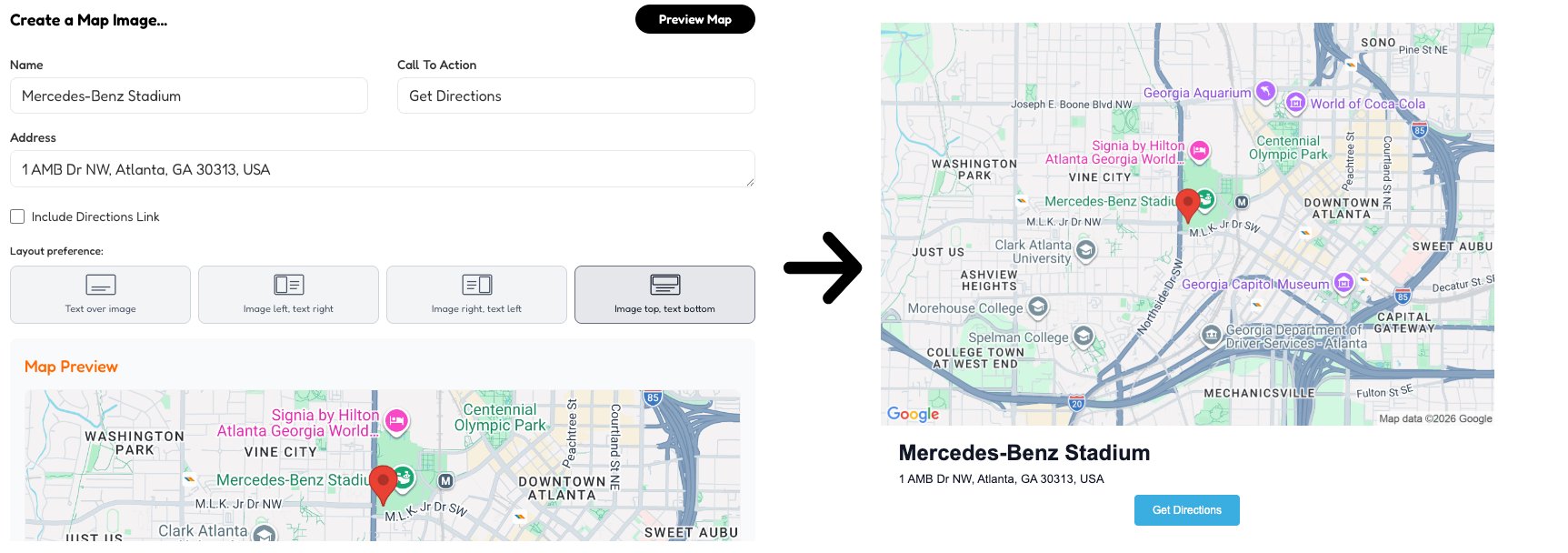
Credit Usage:
1 view = 1 credit

Search the hive. Drop the mark. Logos for days, at your wing tips!
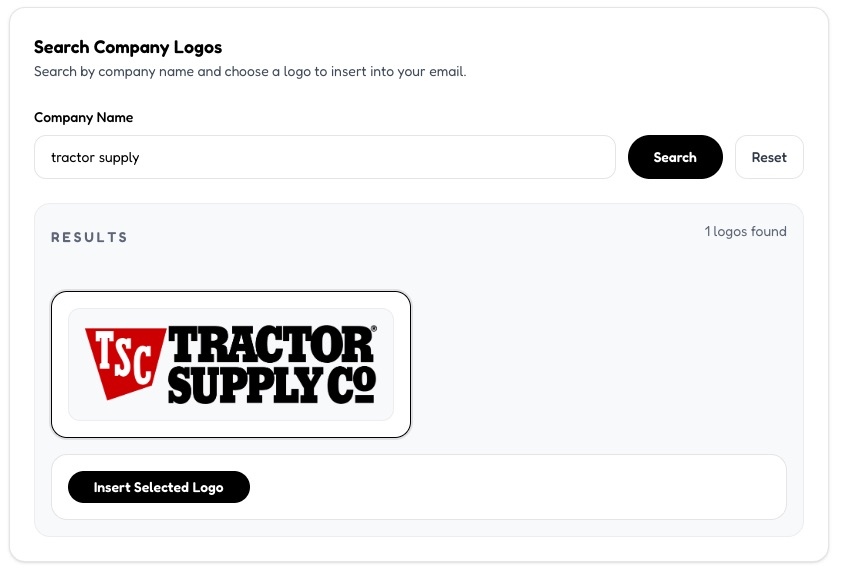
Credit Usage:
1 view = 1 credit