
A BuzzWorks Plugin

HiveDays

Fill your content calendar with timely holiday moments

Browse seasonal and fun calendar moments, then turn them into on-brand email content blocks in minutes. Anyone for National Coffee Day?

v1.0.0
HiveDays logo

HiveDays

Celebrate every day that makes your audience smile. Fun holiday content for your campaigns.

HiveDays screencast

Problem solved

What problem it solves

Teams lose time hunting for relevant cultural moments and then manually designing supporting content. HiveDays brings those ideas into the editor so your team can publish timely campaigns while the opportunity is still fresh.
Credits

How credits work

HiveDays uses 1 credit per view, so planning seasonal content budgets is easy and you only spend credits on the moments your team finds most useful.

Example Usage and Configuration

Editor block placement

HiveDays workspace

Configuration options

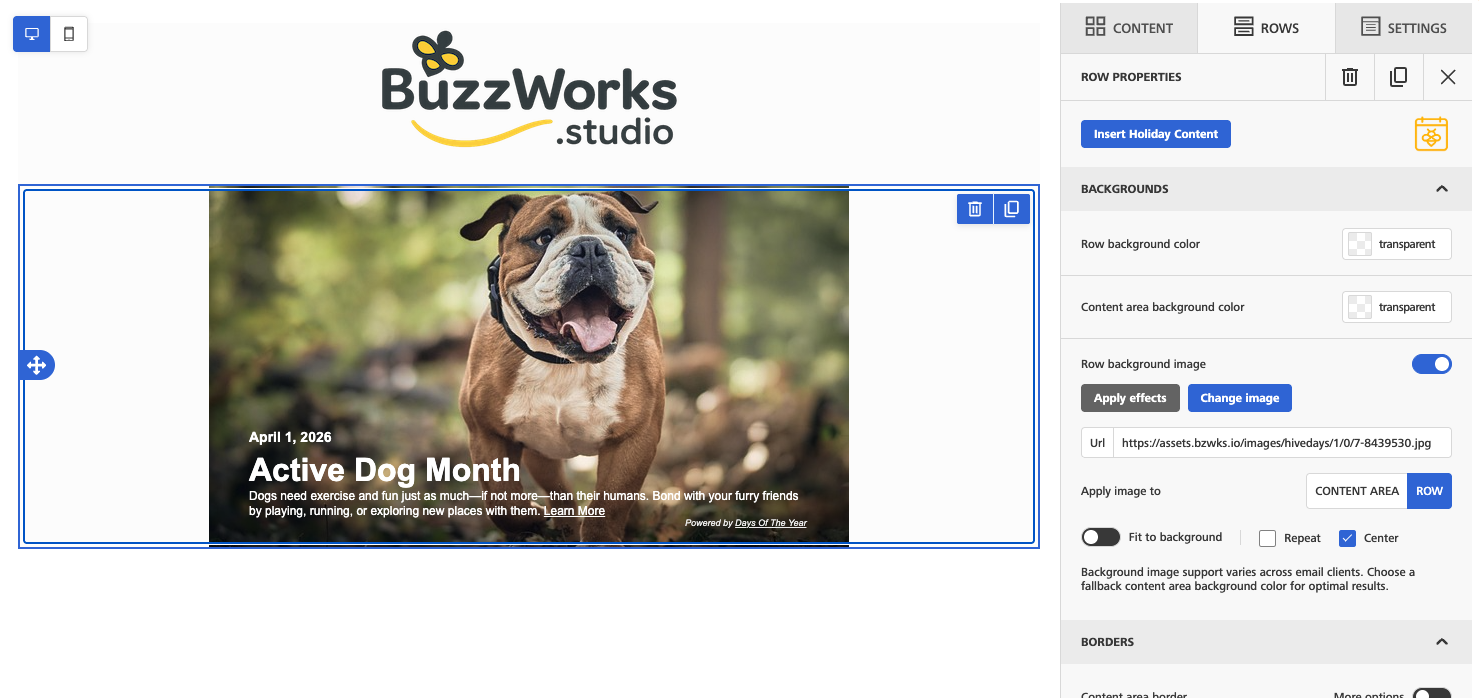
HiveDays editor

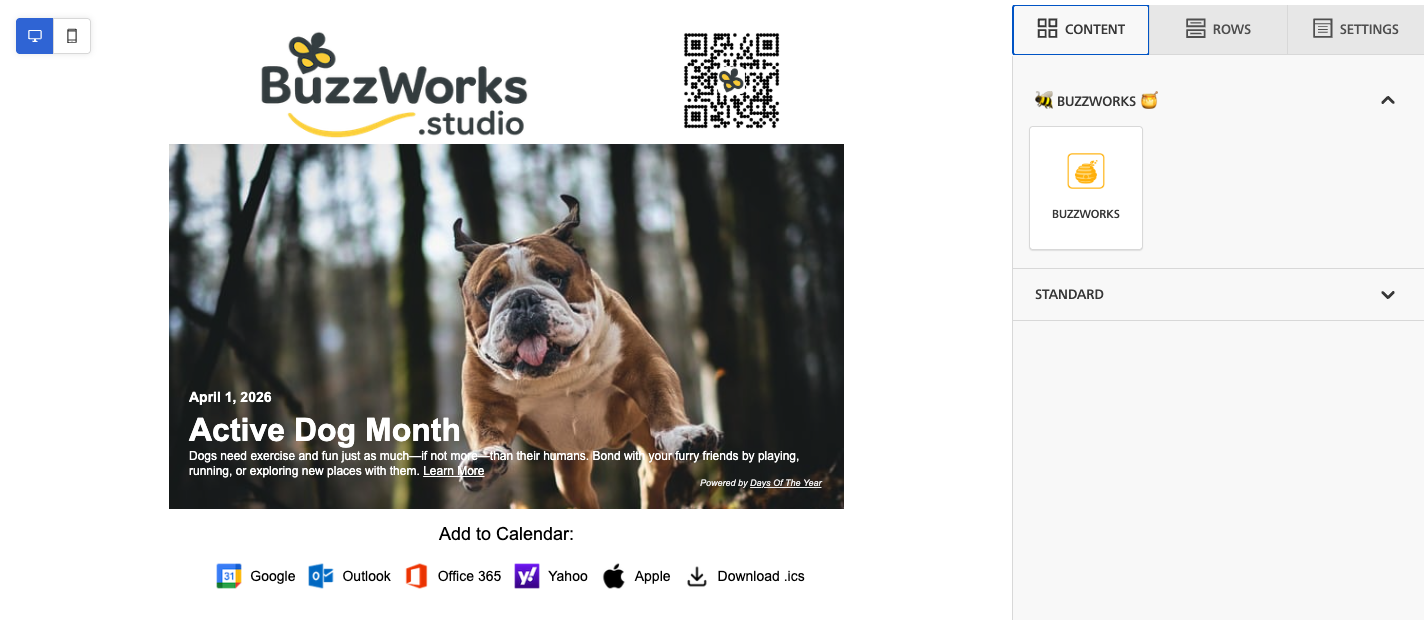
Sample email preview

HiveDays email

Who's it For

HiveDays is built for

HiveDays is for email teams that need fresh campaign hooks throughout the year. It helps newsletter teams, ecommerce marketers, agencies, and community teams find timely holidays or observances and turn them into usable email sections without maintaining a separate planning spreadsheet.

How it works

From editor to email block

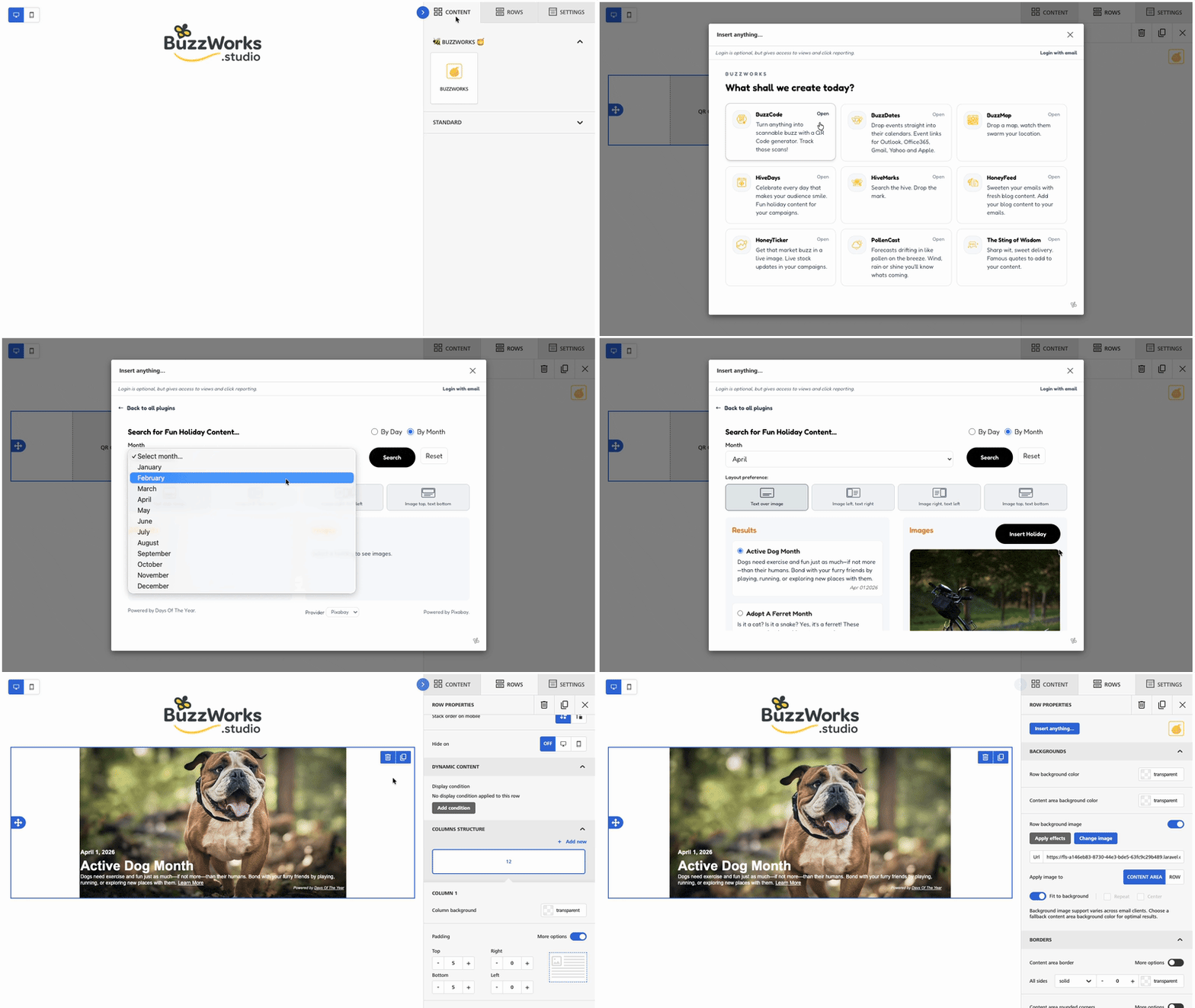
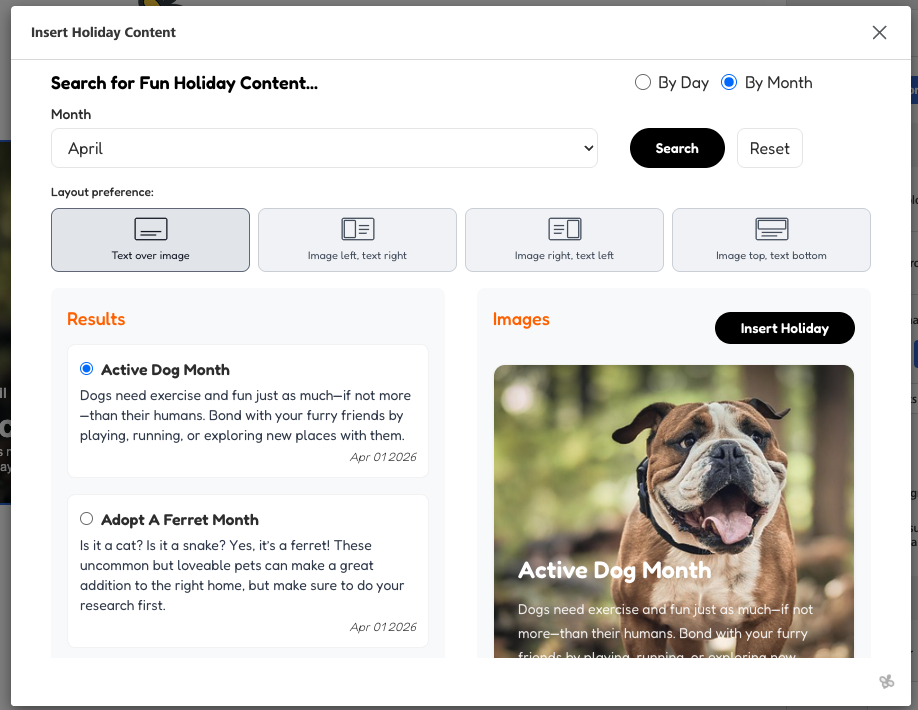
  1. 1 Search holidays by a specific day or by month.
  2. 2 HiveDays loads matching holidays and observances from the holiday library.
  3. 3 Choose a holiday and browse matching imagery of royalty free images.
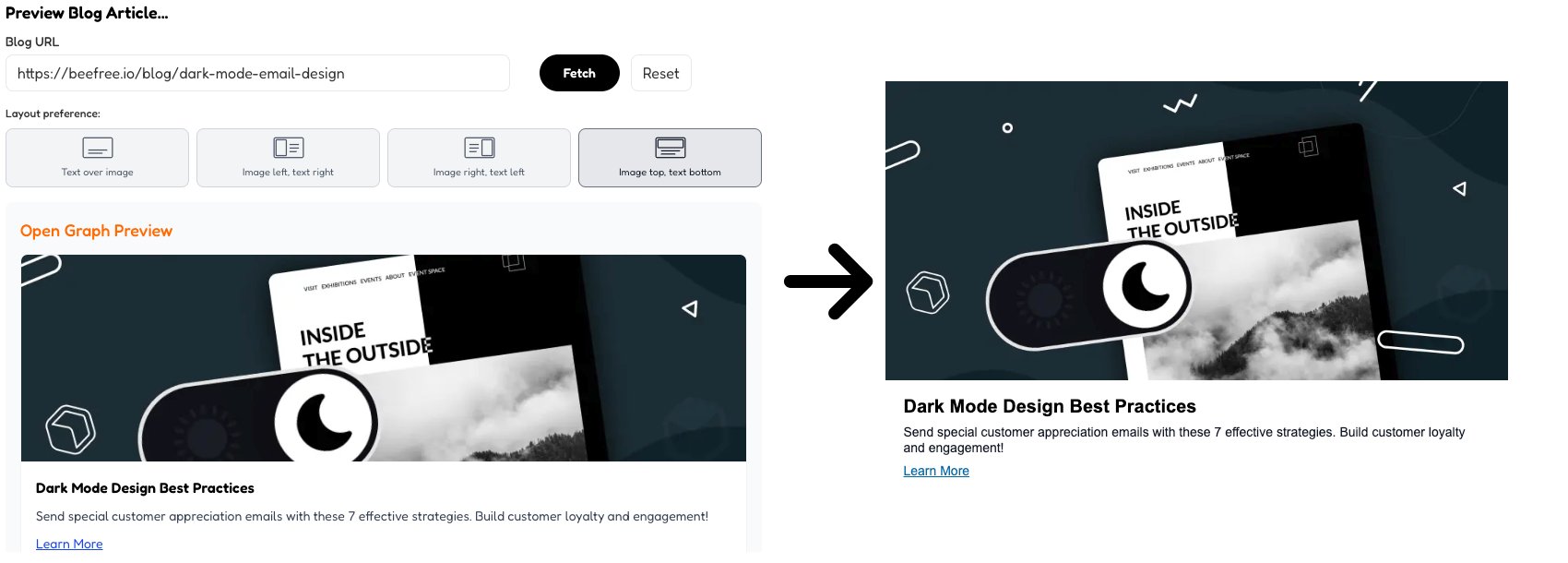
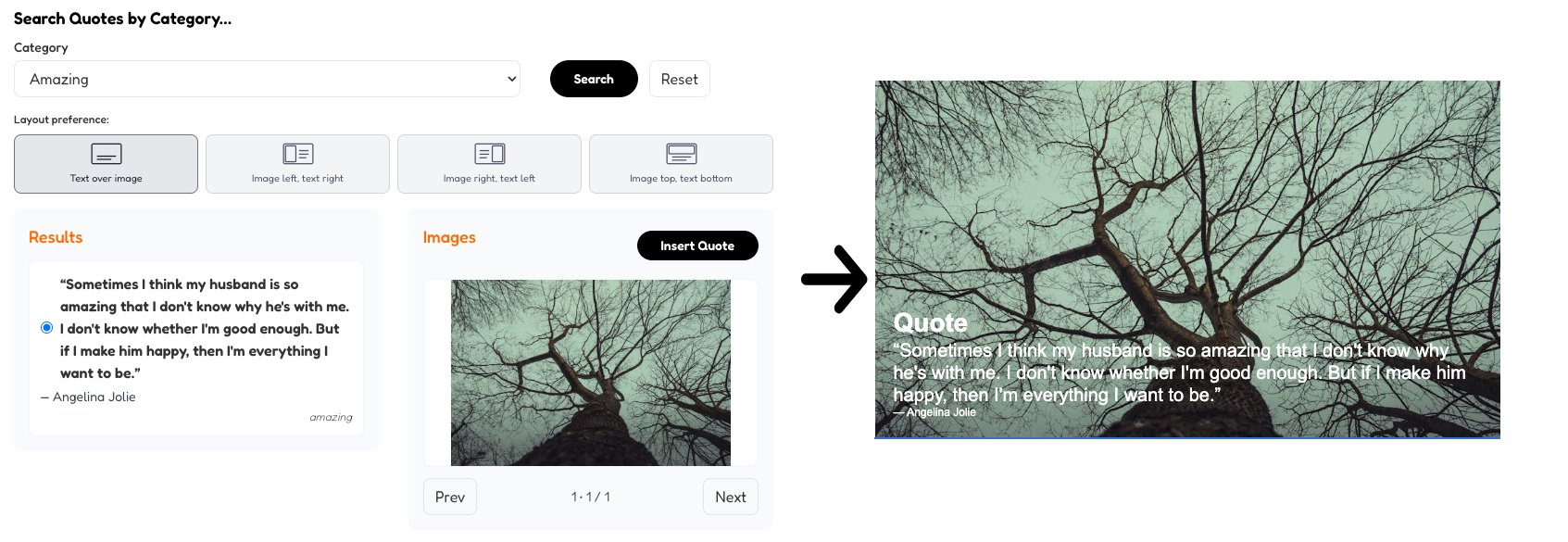
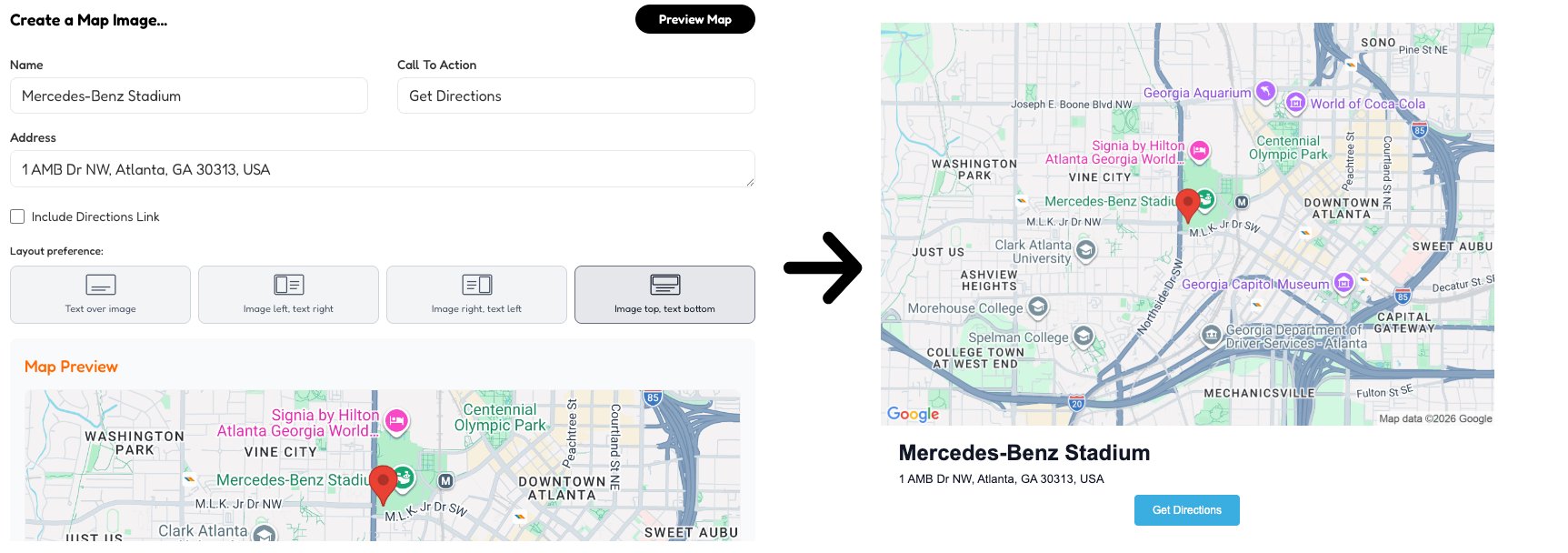
  4. 4 Pick a layout such as overlay, image left, image right, or image top.
  5. 5 Insert a Beefree row with the date, title, excerpt, selected image, and saved HiveDays metadata.

Use Cases

Monthly content calendars

Build a list of relevant holidays for upcoming sends and turn the best fit into finished email modules.

Seasonal promotions

Connect offers, launches, and reminders to familiar dates without rebuilding each design from scratch.

Engagement campaigns

Use lighter observances and awareness days to create timely email moments that feel less repetitive than standard promotions.

FAQs

Can I search future dates?

Yes. HiveDays searches by date or month so future planning stays useful.

Where do the images come from?

HiveDays searches Pixabay and can fall back to Pexels depending on the image provider setting. Both provider offer royalty free images with no attribution requirements.

Can I change the layout?

Yes. HiveDays supports overlay, image-left, image-right, and image-top layouts when it builds the Beefree row addon.

Included BuzzWorks Plugins