Problem solved
What problem it solves
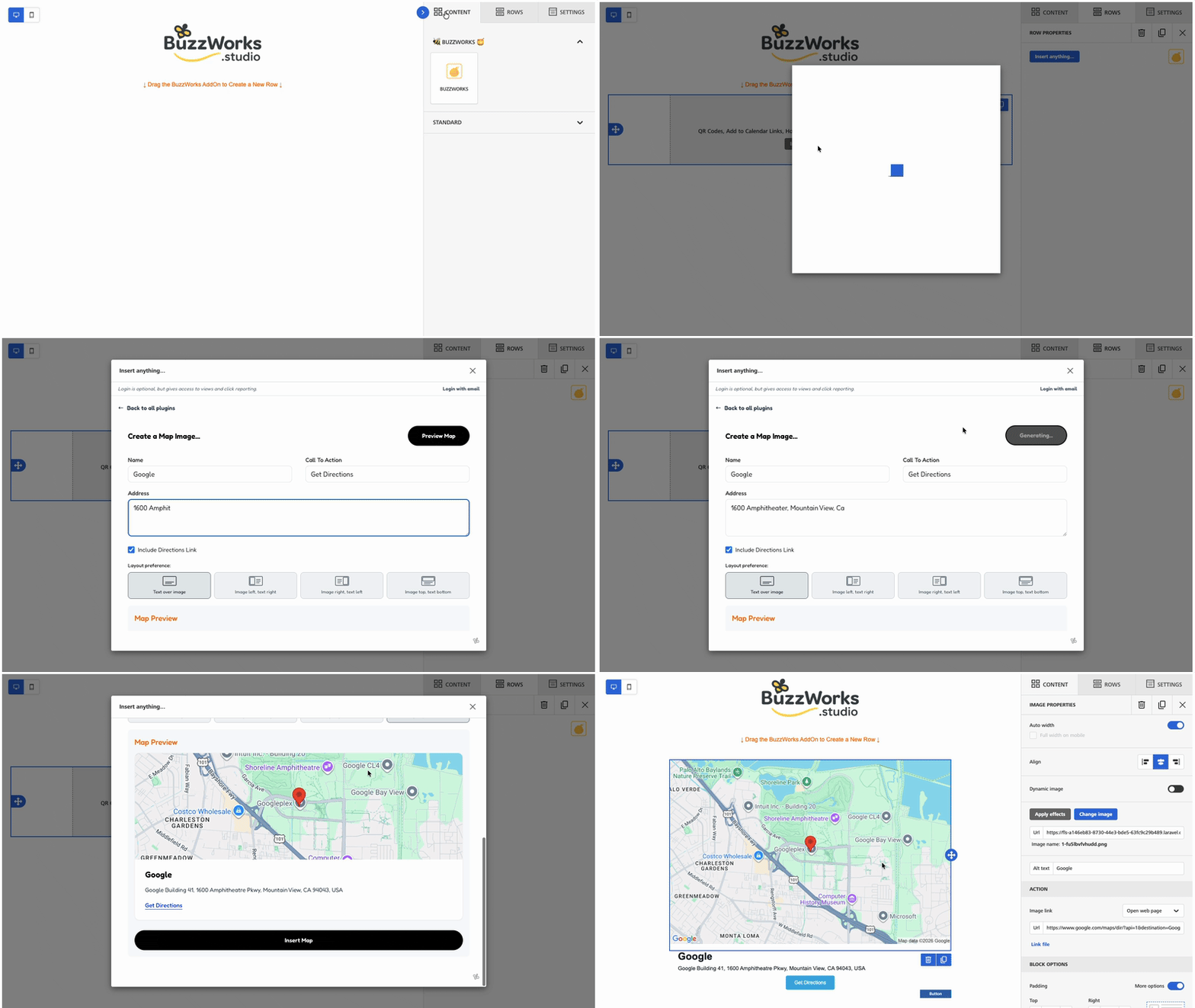
Location emails often depend on screenshots, mismatched links, or manually built map graphics. BuzzMap creates a cleaner experience by keeping the visual and the destination tied together inside the same module.

A BuzzWorks Plugin
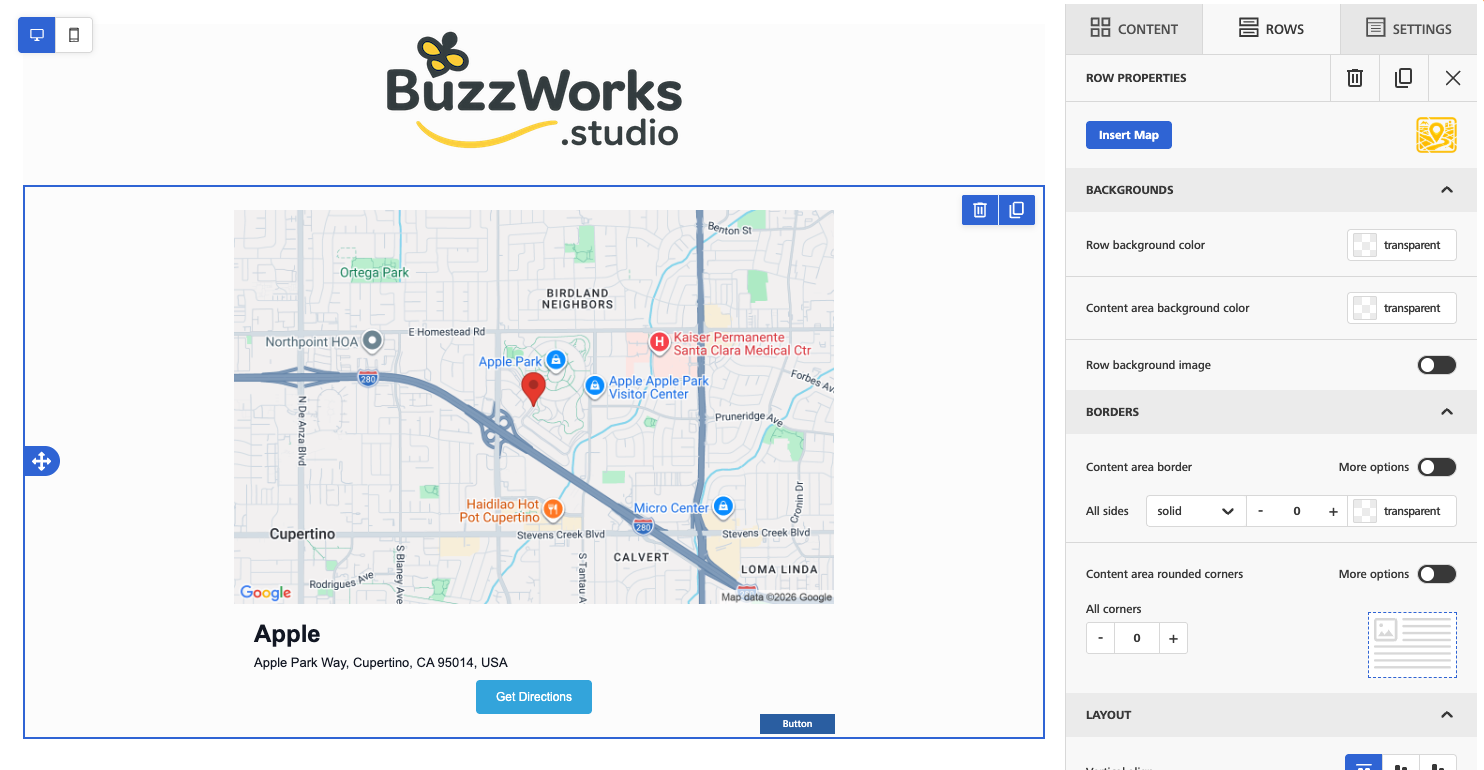
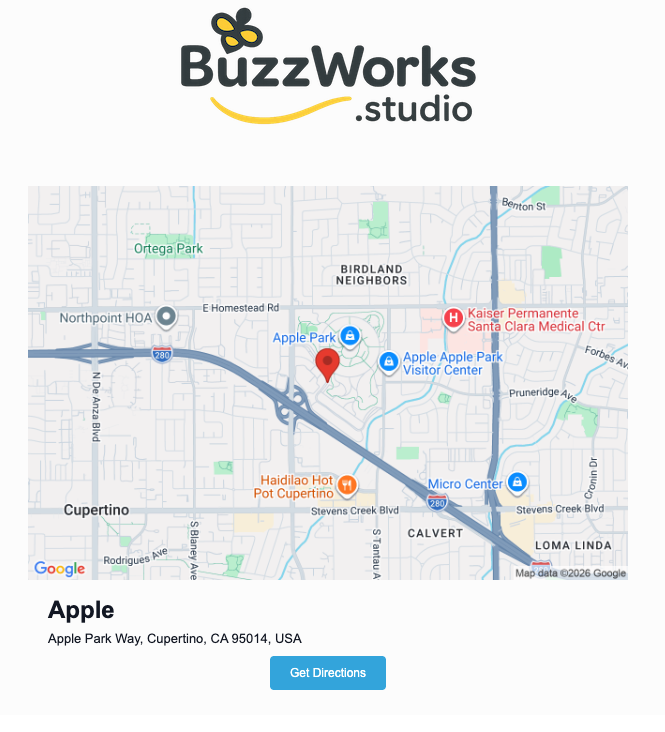
Place a map image and optional directions link into your email so location-based campaigns feel immediately actionable.

BuzzMap
Drop a map, watch them swarm your location.
Problem solved
Location emails often depend on screenshots, mismatched links, or manually built map graphics. BuzzMap creates a cleaner experience by keeping the visual and the destination tied together inside the same module.
Credits
BuzzMap uses 1 credit per map view, which keeps local event, store, and appointment campaigns easy to model.
Who's it For
BuzzMap is for campaigns that need to guide readers to a real place. Event teams, retailers, restaurants, clinics, real estate teams, hospitality brands, and local services can use it when an address should be visible and actionable inside the email.
How it works
Show the event location directly in confirmation and day-of reminder emails.
Help subscribers understand where a new shop, pickup location, or temporary pop-up is located.
Include a map and directions call to action in service, clinic, showroom, or consultation emails.
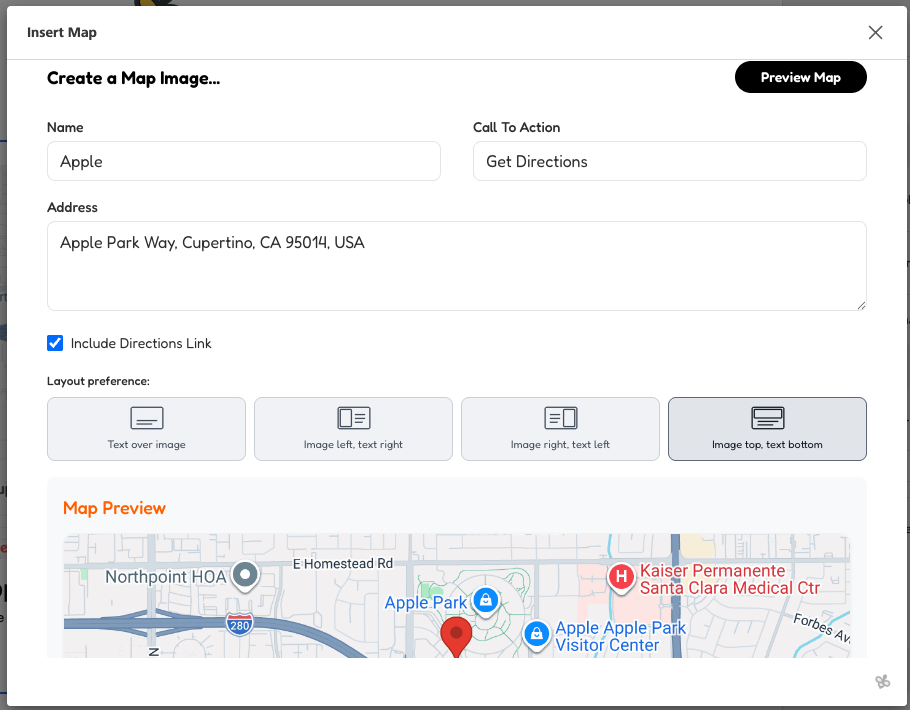
Yes. The plugin has an include-directions option and stores the directions URL when the location service returns one.
Yes. BuzzMap supports overlay, image-left, image-right, and image-top layouts.

Turn anything into scannable buzz with a QR Code generator. Track those scans!

Credit Usage:
1 view = 1 credit; 1 scan = 1 credit

Celebrate every day that makes your audience smile. Fun holiday content for your campaigns.
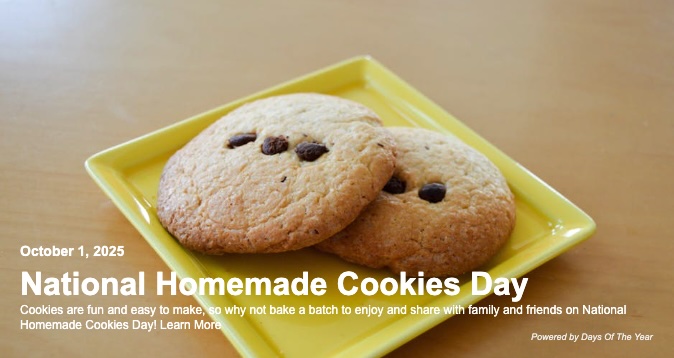
Credit Usage:
1 view = 1 credit

Drop events straight into their calendars. Event links for Outlook, Office365, Gmail, Yahoo and Apple.

Credit Usage:
1 click = 1 credit

Sweeten your emails with fresh blog content. Enter a url and add content to your email.
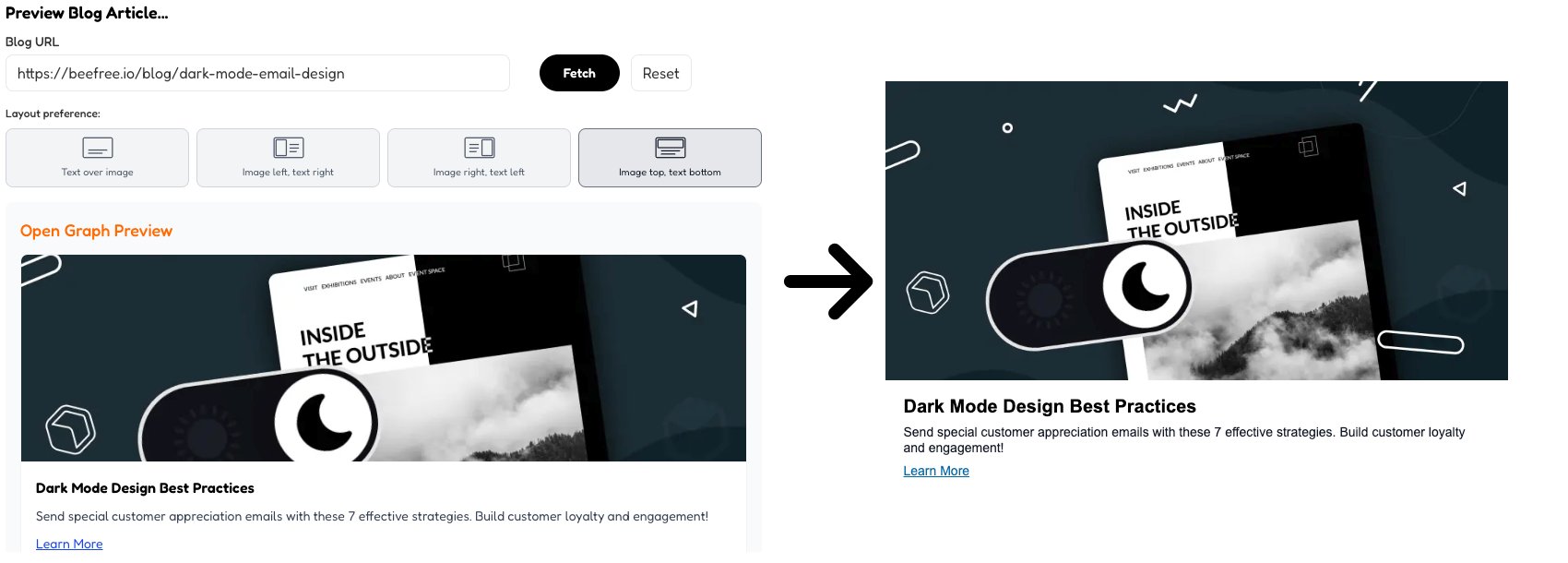
Credit Usage:
1 URL Fetched = 10 credits; Views = Free

Get that market buzz on your favorite stock symbol or symbols!
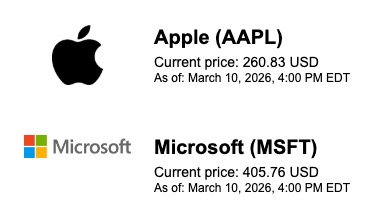
Credit Usage:
1 view = 1 credit

Sharp wit, sweet delivery. Famous quotes to add to your content.
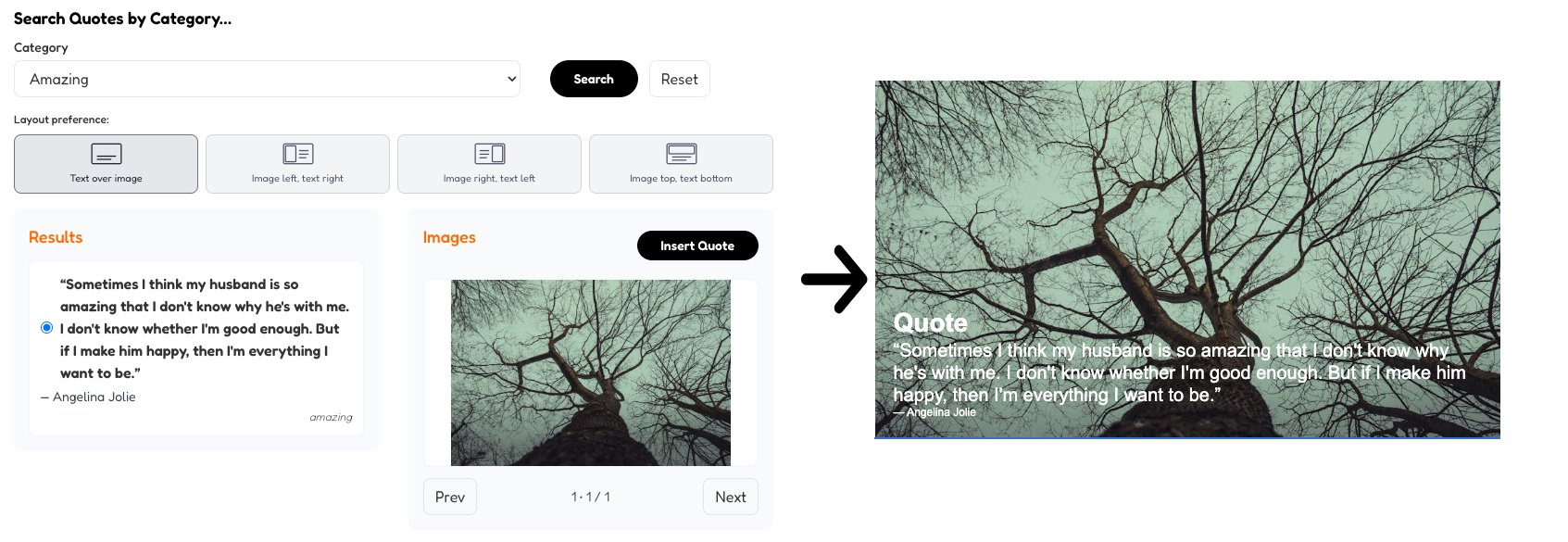
Credit Usage:
1 view = 1 credit

Search the hive. Drop the mark. Logos for days, at your wing tips!
Credit Usage:
1 view = 1 credit